Desktop app development is the process of creating software that runs directly on a computer, laptop, or workstation. Instead of opening the software in a web browser, users install it on an operating system such as Windows, macOS, or Linux.
Examples of desktop applications include:
- Microsoft Word and other office tools
- Adobe Photoshop and video editing software
- Accounting and financial programs
- Engineering and design applications
- Business management and database systems
Some desktop apps are made for general users. Others are built for one company, industry, or business process.
Desktop app development includes much more than writing code. It usually involves understanding the business problem, planning features, designing the user interface, choosing the technology, building the application, testing it, preparing installation files, and providing support after launch.
If your business wants to attract more customers, improve its online visibility, and turn marketing activity into real revenue, 7 Kings Marketing can help.
With data-driven strategies, AI-powered execution, local SEO, Google Ads, and conversion-focused digital marketing, 7 Kings Marketing helps brands become easier to find and harder to ignore.
Marketing is only one part of business growth. Many companies also need reliable software that helps their teams work faster and serve customers better. That is where desktop app development can make a real difference.
How is a desktop app different from a web app?
A web application is accessed through a browser such as Chrome, Safari, or Edge. Users visit a web address, sign in, and use the application online.
A desktop application is installed on the computer and launched like any other program.
Desktop apps can use the computer’s processor, memory, storage, graphics capabilities, and connected devices more directly. Depending on the design, they can also continue working without an internet connection.
This makes desktop software useful for businesses that handle:
- Large files and complex calculations
- Sensitive information
- Advanced graphics or media
- Specialist equipment
- Work in locations with limited internet access
The best choice depends on the project. A company that needs simple access from many locations may prefer a web application.
A team that needs powerful local processing or offline access may benefit more from a desktop application. In some cases, a business may use both types of software.
Why do businesses still use desktop applications?
1. Strong performance
Desktop apps can use the resources available on the user’s computer. This makes them a good choice for demanding tasks such as:
- Video editing
- 3D modelling
- Engineering design
- Scientific analysis
- Large-scale data processing
Because the application runs locally, it does not have to send every action to a remote server. This can reduce delays and create a faster, smoother experience.
2. Offline access
Not every workplace has a reliable internet connection. Field teams, factories, warehouses, healthcare environments, and remote locations may need software that continues to work when a connection is weak or unavailable.
A desktop application can allow users to view information, complete tasks, and save work locally.
If the app also connects to a server, it can synchronise data when the connection becomes available again.
3. Access to computer hardware
Desktop software can work closely with the operating system and connected devices. This may include:
- Printers and scanners
- Cameras and barcode readers
- External storage devices
- Specialist machinery
- Advanced graphics hardware
This type of integration is useful when a business needs more than a standard browser interface.
For example, an inventory application may need to communicate with barcode scanners. A design program may need to support powerful graphics hardware.
4. Greater control
A custom desktop app can be designed around a company’s exact processes.
Instead of asking employees to adapt to a generic tool, the business can create screens, permissions, reports, and workflows that match the way its teams work.
This can help a company:
- Remove unnecessary steps
- Reduce repeated data entry
- Organize information more clearly
- Improve day-to-day productivity
5. Support for sensitive information
Desktop applications can store some information locally and reduce dependence on constant internet communication.
This may be useful for organizations that handle private customer information, financial records, medical data, intellectual property, or internal business documents.
However, local storage does not automatically make an application secure. Good security still requires:
- Encryption
- Access controls
- Safe software updates
- Regular backups
- Secure integrations
- Ongoing testing
Local operation can give a business more control over where data is processed and stored, but security must be planned from the beginning.
Common types of desktop applications
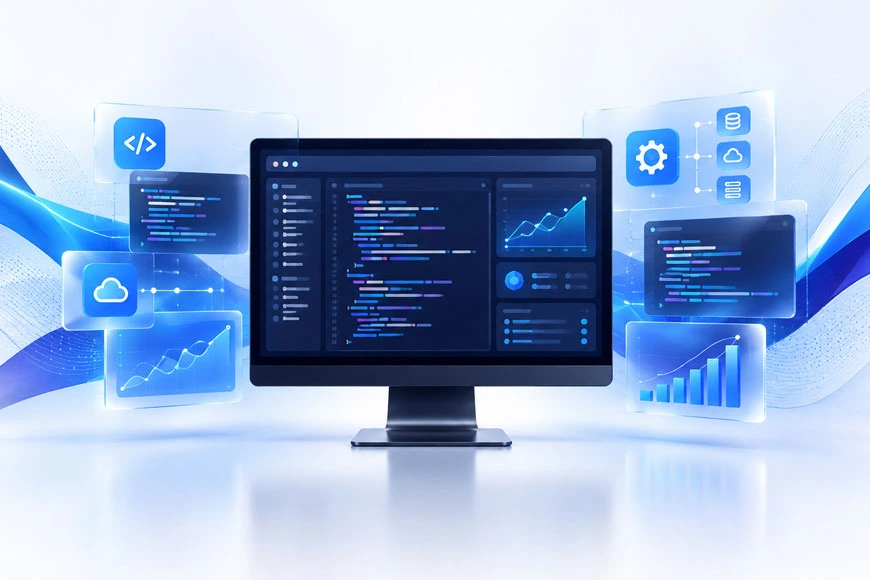
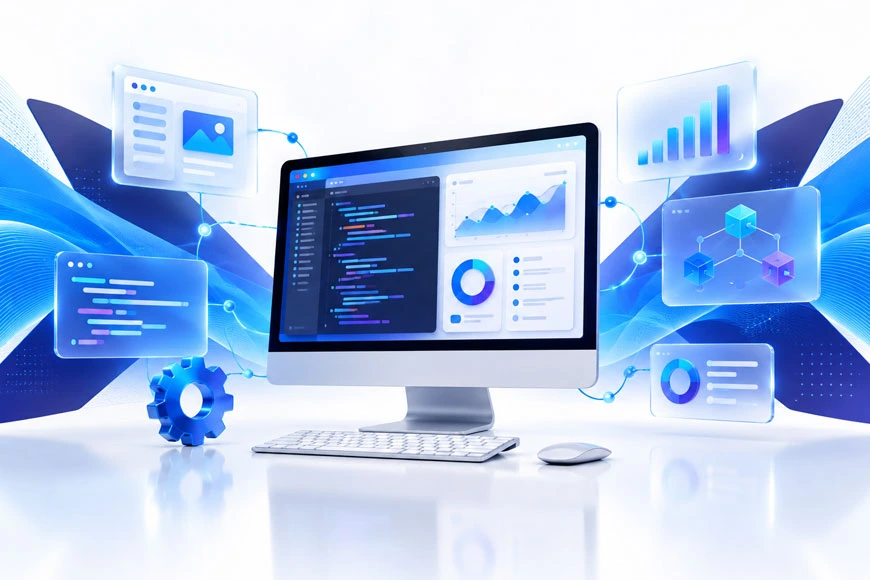
Desktop software can be created for almost any industry. Common examples include:
- Office and productivity applications
- Financial and accounting software
- Healthcare and patient management systems
- Enterprise resource planning platforms
- Image, audio, and video tools
- Industrial and automation software
- Backup, security, and system utility programs
A desktop app can also modernize an older internal system.
Instead of replacing an entire workflow immediately, a company can redesign the interface, improve performance, add integrations, or connect the software to cloud services.
How are desktop applications built?
Step 1: Define the problem and requirements
The first step is to understand what the software needs to achieve.
The development team may ask:
- Who will use the application?
- Which tasks are slow or difficult today?
- What information must the app store?
- Does it need to work offline?
- Which devices or business systems must it connect to?
Clear answers help the team estimate the project’s scope, budget, risks, and expected results.
Step 2: Plan the user experience
Before coding begins, the team normally creates wireframes, screen designs, or a working prototype.
This helps everyone understand how users will move through the application. It also gives stakeholders an early chance to suggest changes.
Good desktop design is not only about attractive colors and buttons. It should make frequent tasks easy to find, reduce confusion, and provide clear feedback.
It should also work well with the input methods users need, such as a keyboard, mouse, touchscreen, or specialist device.
Step 3: Choose the language and framework
The right technology depends on the operating systems, performance needs, team experience, and required integrations.
Some common options include:
- C# and .NET: Often used for Windows applications
- Swift and Apple frameworks: Suitable for macOS software
- Java, Python, C++, and JavaScript: Used in many types of desktop projects
- Electron: Helps teams build applications for Windows, macOS, and Linux with one main codebase
There is no single best framework for every project.
A Windows-only application may benefit from a native Microsoft technology. A high-performance graphics application may need a different approach. A cross-platform business tool may prioritize shared code and easier maintenance.
Step 4: Build the application
Developers create the application feature by feature. Depending on the project, features may include:
- User accounts and permissions
- Dashboards and reports
- Forms and search tools
- File handling and notifications
- Database connections
- Integrations with other software
Using version control, such as Git, helps the team track changes and collaborate safely. It also makes it easier to return to an earlier version if a problem appears.
Step 5: Test on real devices
Testing is essential because desktop apps must work with different operating systems, screen sizes, hardware setups, permissions, and system updates.
The team should test:
- Main features and workflows
- Performance and response times
- Security and user permissions
- Installation and update processes
- Offline behavior
- Error handling
- Compatibility with real devices
User testing is also valuable. Employees who will use the software every day can identify confusing steps or missing features that developers may not notice.
Step 6: Package, launch, and maintain
After testing, the application is packaged so users can install it.
It may be distributed through a company website, an app store, an internal network, or a managed business deployment system.
Development does not end at launch. The software needs ongoing:
- Security updates
- Bug fixes
- Compatibility improvements
- Backups and monitoring
- New features as the business changes
A clear update process is especially important when an application is installed on many computers.
Should you build a desktop application?
Desktop app development may be a good option if your business needs:
- High performance
- Offline capability
- Deep hardware access
- Custom workflows
- More control over local data
It can be especially useful for engineering, finance, healthcare, creative work, manufacturing, logistics, and internal enterprise operations.
A desktop app may not be the best choice if users need instant access from many devices and locations. It may also be less suitable if your team wants all updates to happen in the cloud.
A professional development team can compare desktop, web, Mobile App Development, and hybrid options before any major investment is made.
The most successful projects begin with a clear business goal. The purpose should not simply be to build an app.
The purpose should be to save time, reduce errors, improve service, protect information, or help people make better decisions.
Final thoughts
Desktop app development means building software that runs on a computer rather than primarily inside a web browser.
These applications remain important because they can deliver strong performance, offline access, hardware integration, and highly customized workflows.
From a simple internal tool to a complex healthcare, financial, design, or industrial platform, desktop software can help a business operate more efficiently.
The key is choosing the right approach, planning the user experience, testing carefully, and supporting the application over time.
Once your software is ready, strong marketing can help the right people discover it. For data-driven campaigns, local SEO, Google Ads, and conversion-focused growth strategies, visit 7 Kings Marketing and explore how your brand can become impossible to ignore.
Leave a Reply
Your email address will not be published. Required fields are marked *